

Task management is essential for business leaders for a variety of reasons. For one thing, it helps you to prioritize your day based on when and what you need to accomplish. 9 It also helps you visualize the tasks to give you a more accurate idea of where your project stands, helps you keep track of your costs and deadlines, and improves overall efficiency and productivity. 9
Task Management Software helps you achieve all of the above and is especially useful when you’re working with a team. In fact, it can play a key role in improving your teams’ organization and communication.
How is this different from project management?
While the two go hand in hand, they are different.
The Digital Project Manager’s Ben Aston said it best: “Project management is used to manage the completion of a larger goal, while task management can be used to organize and complete the tasks needed to accomplish and deliver that goal.” 3
So, while a group of tasks together contribute towards the execution of a project, task management is fundamental to project management. 13
Some of my favorite tools are listed here, in case you aren’t sure where to start. It’s also worth noting that each tool can be useful for different projects, depending on what you’re working on.
**For the record, I am not affiliated with any of these sites. These are merely listed as I find they are some of the most user-friendly tools for managing tasks.

Cost: Free or subscription. Standard plan subscription is $36/annually. 7
What its useful for: Creating boards that are accessible and visible to all team members. It can be used for various purposes including CRM, ad campaigns, bug tracking, and video production. 7
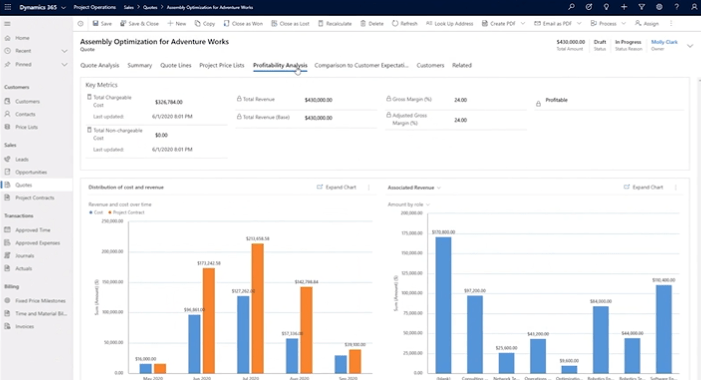
Cost: Free or subscription. Depending on the size of your business and what you want to use it for (i.e., sales, project management, finance, marketing, supply chain, customer service, etc.), subscription prices can range anywhere from $50 to $1,700 per month. 5
What its useful for: As a planning application available on the Microsoft 365 platform, this one is particularly useful for personal and/or teamwork planning. This one is very popular, as it improves productivity via easy-to-use dashboards, task management, scheduling, interactive charts, and work-breakdown structures. 5
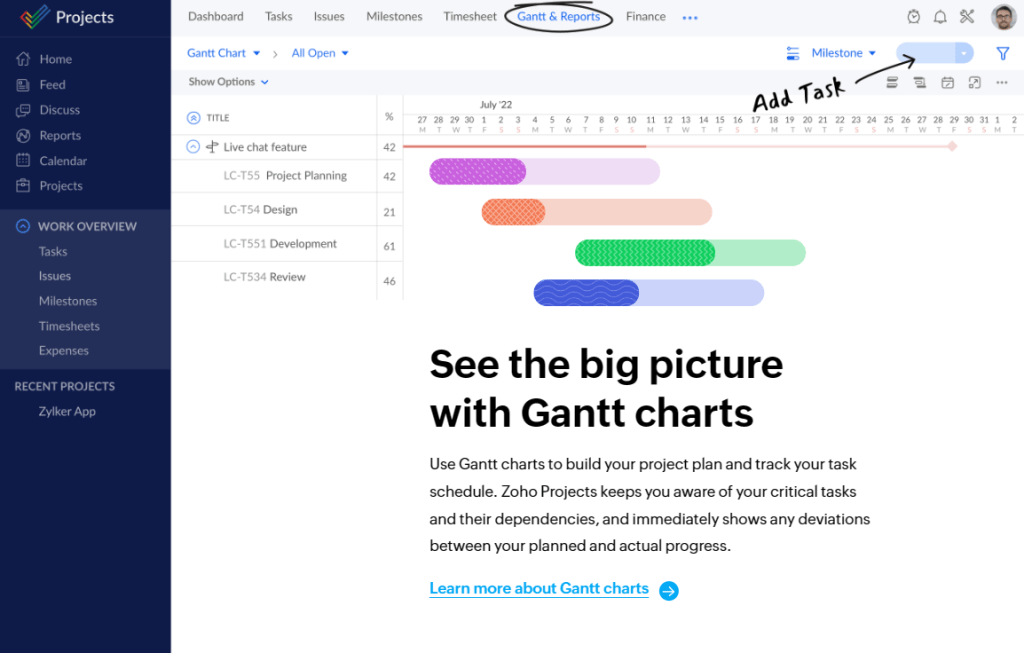
Cost: Free or subscription. Premium plans start at $5 per month per user, while enterprise plans start at $10 per month per user. 14
What its useful for: This one is great for managing multiple projects and defining/assigning tasks to your team. It also allows you to estimate project costs and easily identify which in-progress tasks need following up. 14
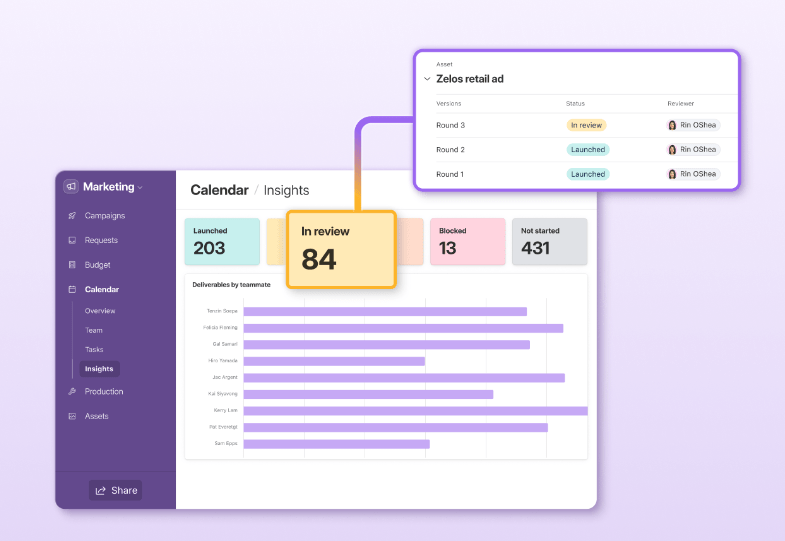
Cost: Free or subscription. For teams needing advanced features and basic administration, subscription prices start at $54 annually. 1
What its useful for: Depending on the size of your business and what you want to use it for (i.e., sales, project management, finance, marketing, supply chain, customer service, etc.), Airtable is great for team collaboration.
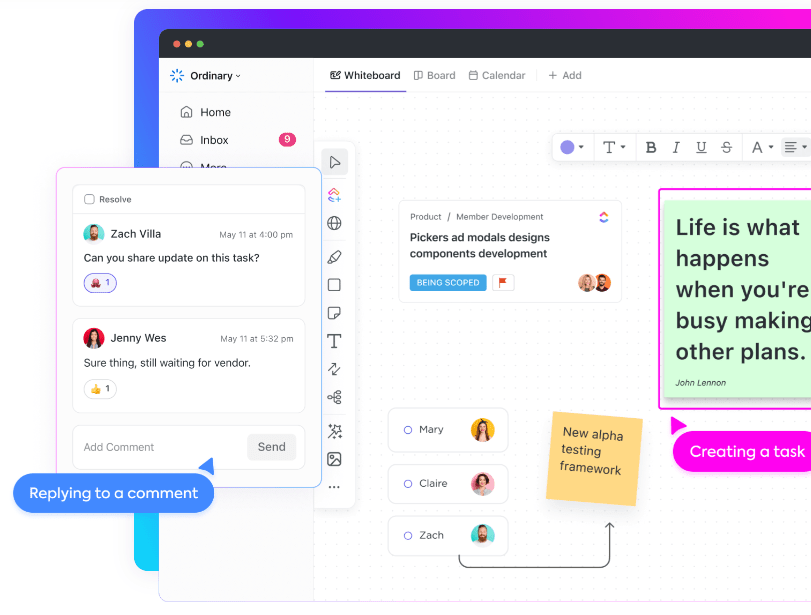
Cost: Free or subscription. For mid-sized business teams, subscription costs start at $12 per member, per month. 4
What its useful for: Promoting collaboration and enhancing communication among teams. Like others on this list, ClickUp can be customized to fit any team’s needs. 4
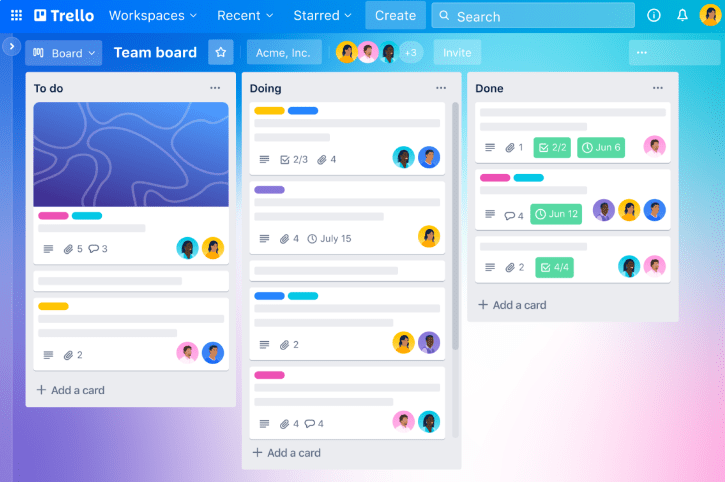
Cost: Free or subscription. Subscription plans actually run quite low compared to others on here, with enterprise plans starting at $17.50/per month for 50 users. 12
What its useful for: Creating visual boards that allow you to easily assign tasks to team members and monitor a project’s progress. 12 Trello has a range of different templates to use for a multitude of different tasks such as marketing, remote work, and of course, project management.
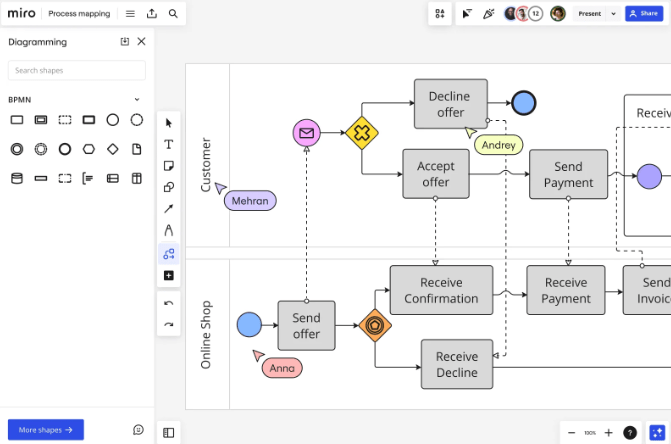
Cost: Free or subscription. Subscription plans for businesses start at $16/per month per member. 6
What its useful for: This one is great for making lists of topics to concentrate on for a big project as well as creating process maps and customer journey maps. 6
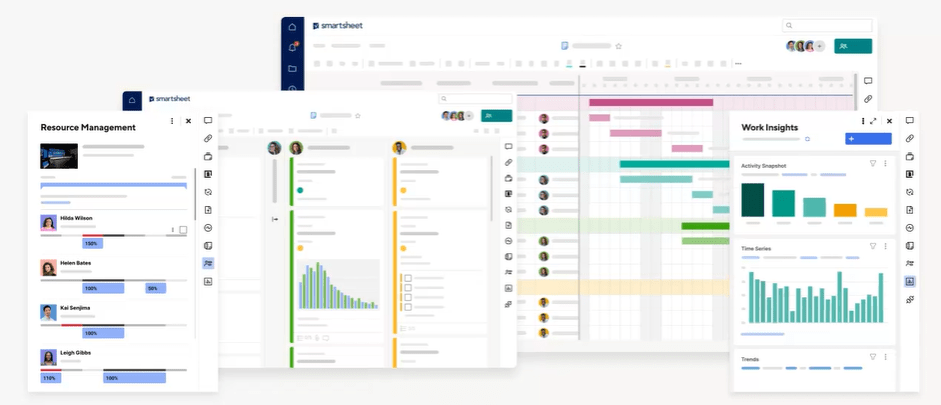
Cost: Free or subscription. Subscription plans for businesses start at $25/per month per user. 10
What its useful for: Assigning and managing tasks, tracking project progress, managing calendars, and easily sharing documents. 10
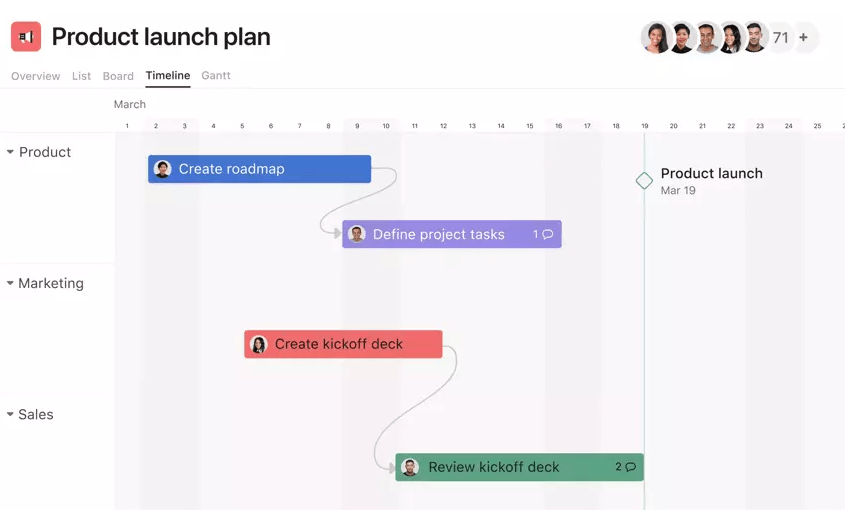
Cost: Free or subscription. The advanced plan (for companies that need to manage a portfolio of work and goals across departments), prices start at $24.99/per month per user. 2
What its useful for: This one is great for smaller teams looking to manage workflow and collaborate efficiently. For social media marketing campaigns, Asana can help you create a calendar for a detailed overview of your upcoming social media posts, organized by date and time.
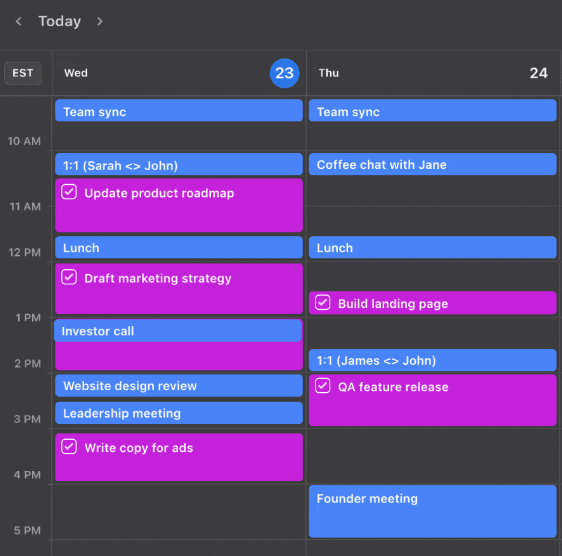
Cost: Individual plans start at $19 per month, while group plans start at $12 per month per user. 8
What its useful for: Like Asana, Motion is great for managing social media posts, but their calendars can also be used for general work organization. Motion uses automation and AI to help you plan your day, schedule meetings, and create to-do lists. 8 This tool is best for individual use.
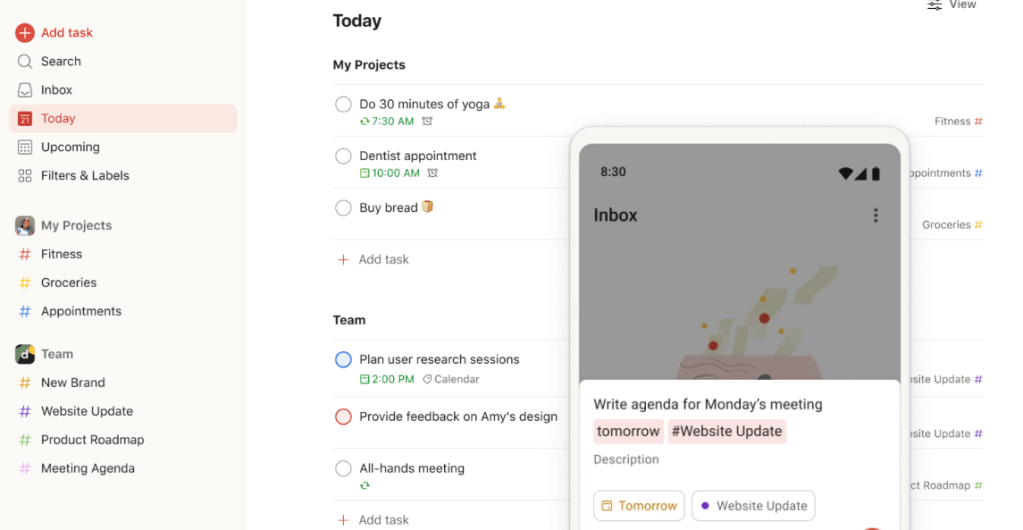
Cost: Free or subscription. The individual Pro Plan starts at $4 per month, while group plans start at $6 per month per user. 11
What its useful for: As an app, this is best meant for personal used. However, its main function is to help you organize your day and tasks, and for free or for $4 per month, you can easily manage your workload with their calendar tool.
So, okay… there’s a ton more I could have added, but these are my favorites. Whether you’re looking to manage your own personal day-to-day activities or needing an efficient way to organize your teams’ project schedule… these are wonderful places to start.
References
1 – Airtable. (2023). A plan for every organization’s needs. Airtable. https://airtable.com/pricing?_gl=1*930ckd*_ga*MTIzNjI0NjM5My4xNzAzNjQ5NDU5*_ga_VJY8J9RFZM*MTcwMzY0OTQ1OS4xLjAuMTcwMzY0OTQ2MC41OS4wLjA.
2 – Asana. (2023). Home. Asana. https://asana.com/?noredirect
3 – Aston, B. (2023, October 3). Task Management Vs Project Management: 3 Top Differences. The Digital Project Manager. https://thedigitalprojectmanager.com/projects/leadership-team-management/task-management-vs-project-management/
4 – ClickUp. (2023). Teams. ClickUp. https://clickup.com/teams/project-management
5 – Microsoft. (2023). Dynamics 365 pricing. Microsoft. https://dynamics.microsoft.com/en-us/pricing/
6 – Miro. (2023). Home. Miro. https://miro.com/index/
7 – Monday.com. (2023). Frequently Asked Questions. Monday.com. https://monday.com/faq/
8 – Motion. (2023). Home. Motion. https://www.usemotion.com/
9 – Profit.co. (2023). What is Task Management? A Beginners Guide. Profit.co. https://www.profit.co/blog/task-management/what-is-task-management-a-beginners-guide/#:~:text=Task%20management%20is%20important%20because%20of%20the%20following,efficiency%20…%206%206.%20Task%20management%20increases%20productivity
10 – Smartsheet. (2023). Home. Smartsheet. https://www.smartsheet.com/
11 – Todoist. (2023). Home. Todoist. https://todoist.com/
12 – Trello. (2023). Home. Trello. https://trello.com/
13 – Zoho Corporation Pvt. Ltd. (2023). Task Management for Project Teams. Zoho. https://www.zoho.com/projects/task-management.html
14 – Zoho Projects. (2023). Home. Zoho Projects. https://www.zoho.com/projects/
 Business Diaries